.png)
How to uninstall Capable

When you uninstall Capable, all app-specific data is permanently deleted immediately. If you reinstall the app later, your previous data will not be restored.
If you’ve accidentally uninstalled and need to recover your data, you must contact Atlassian Support within two weeks of uninstalling.
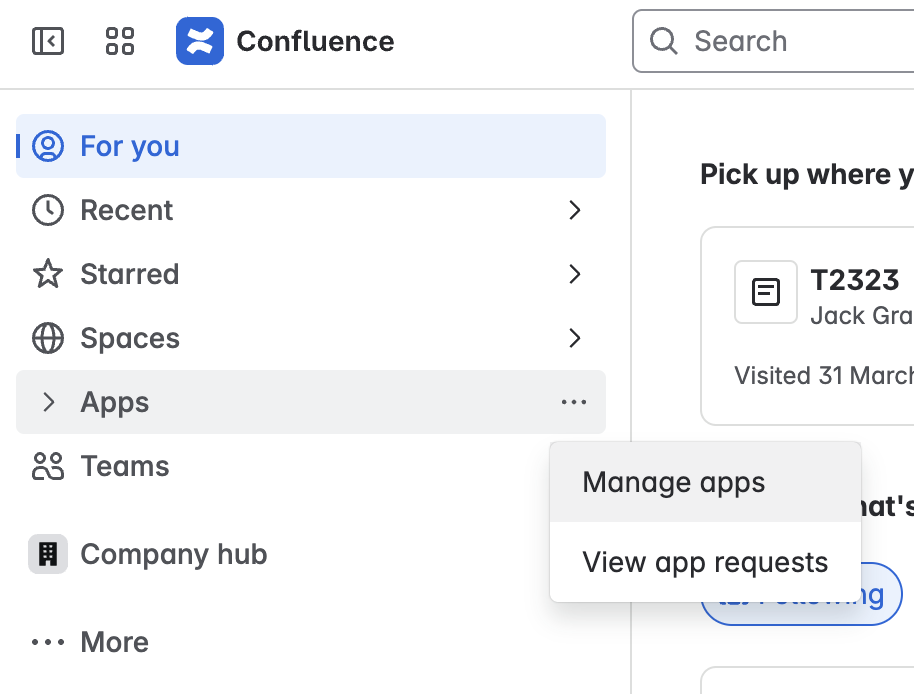
1. Open the 'Manage apps' page in Confluence
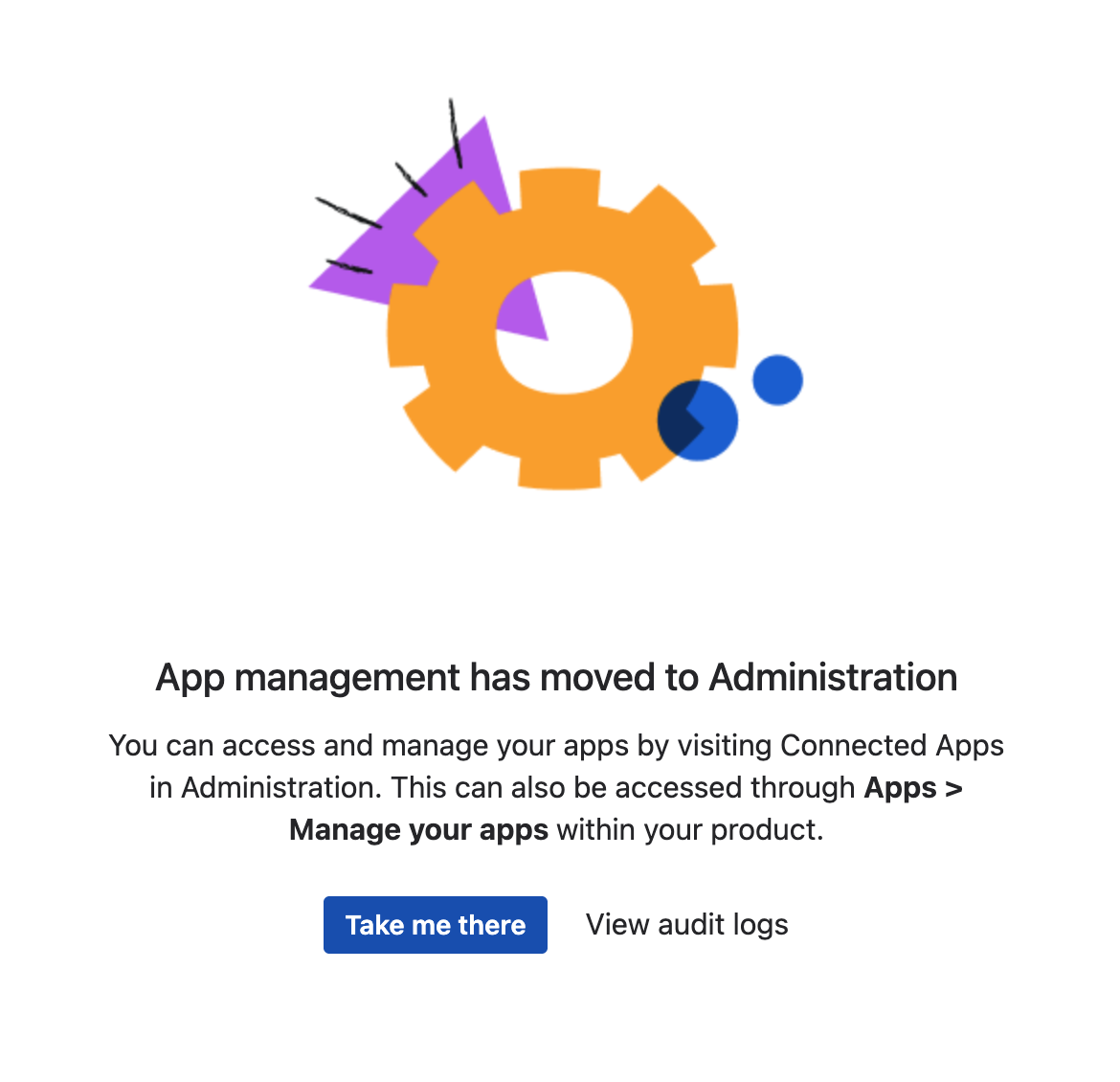
2. Click on ‘Take me there'
3. Click on the app you want to uninstall
4. Click Unsubscribe in the top-right
5. Wait 30 days for the subscription to be cancelled

Atlassian prevents you from uninstalling the app until the subscription period has finished.
Capable has no control over this - please contact Atlassian support to expedite.