.png)
Annotating images

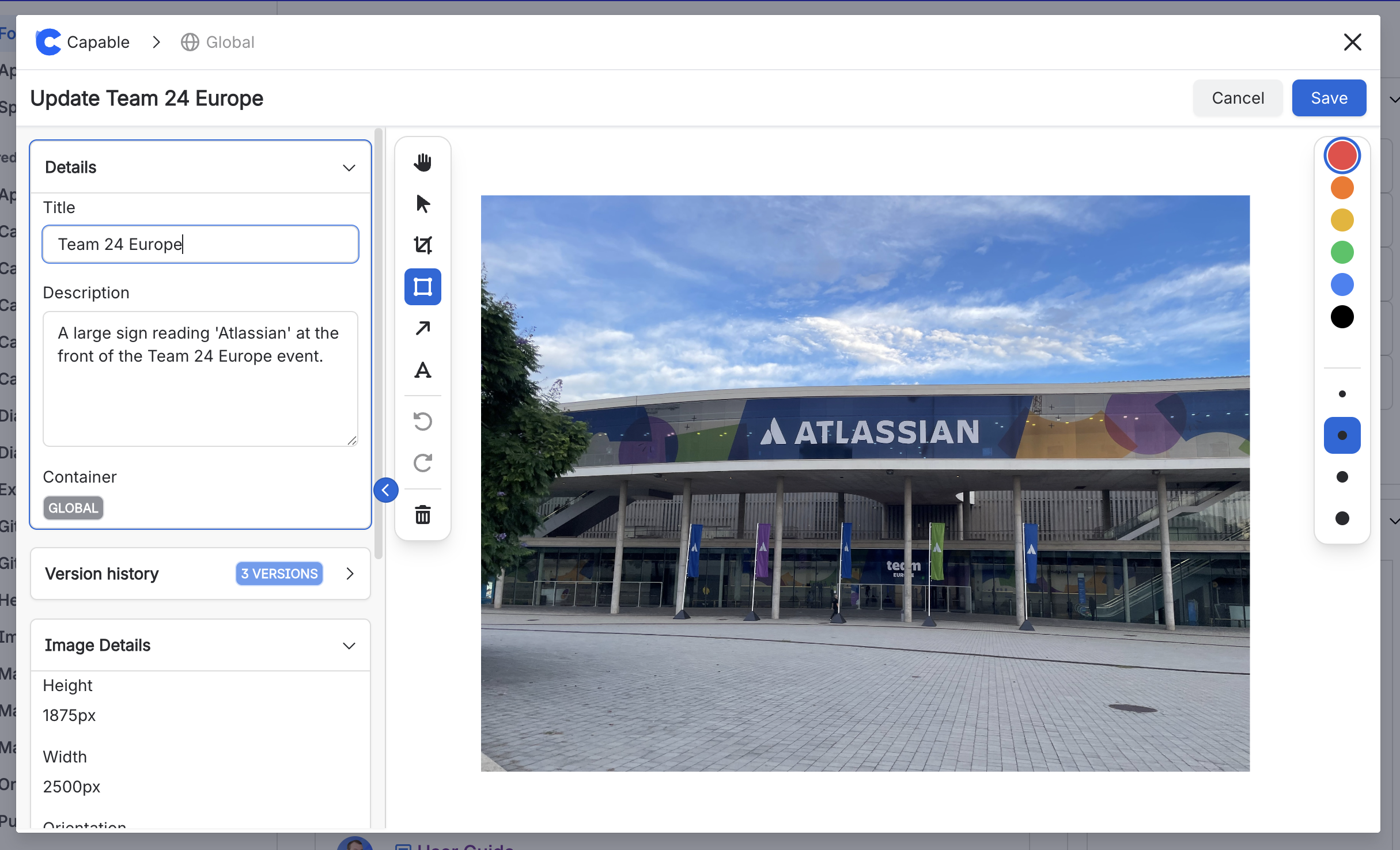
You can annotate and crop images directly in the app using the Capable Image Editor.
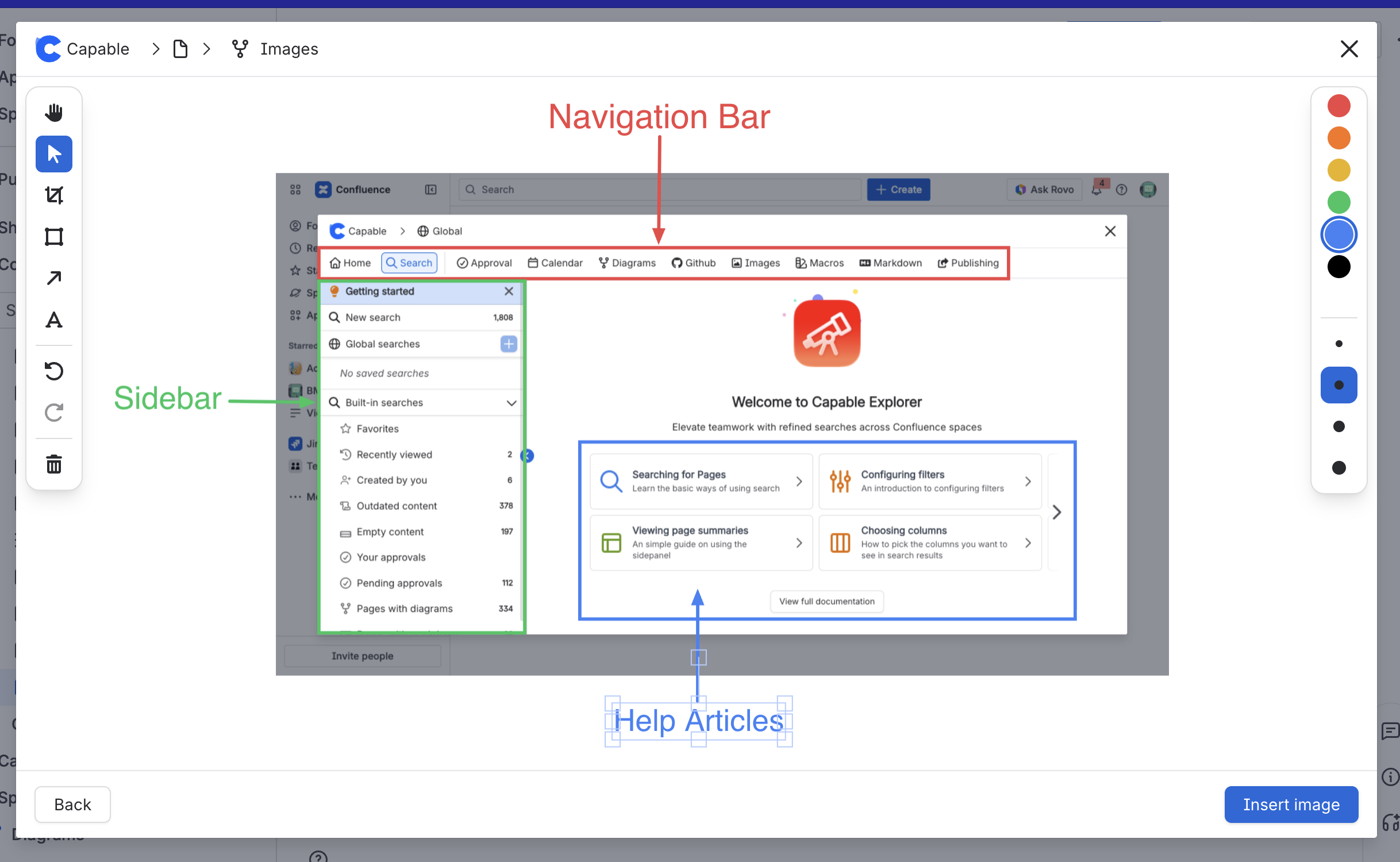
The editor is available in the Image Library Page when you click ‘Edit’ on an image, or if you insert a single image from your library, you will be given the option to annotate the image before it’s inserted.
Features:
Crop images to focus on smaller areas.
Add boxes to highlight elements.
Add lines pointing to elements.
Add text boxes to explain details.
Adjust the color and line thickness of these elements.
Edit in the browser
Edit before insert