# Export
Export a page to Word, HTML, Markdown or plain text, download individual tables, and download attachments individually or all at once.
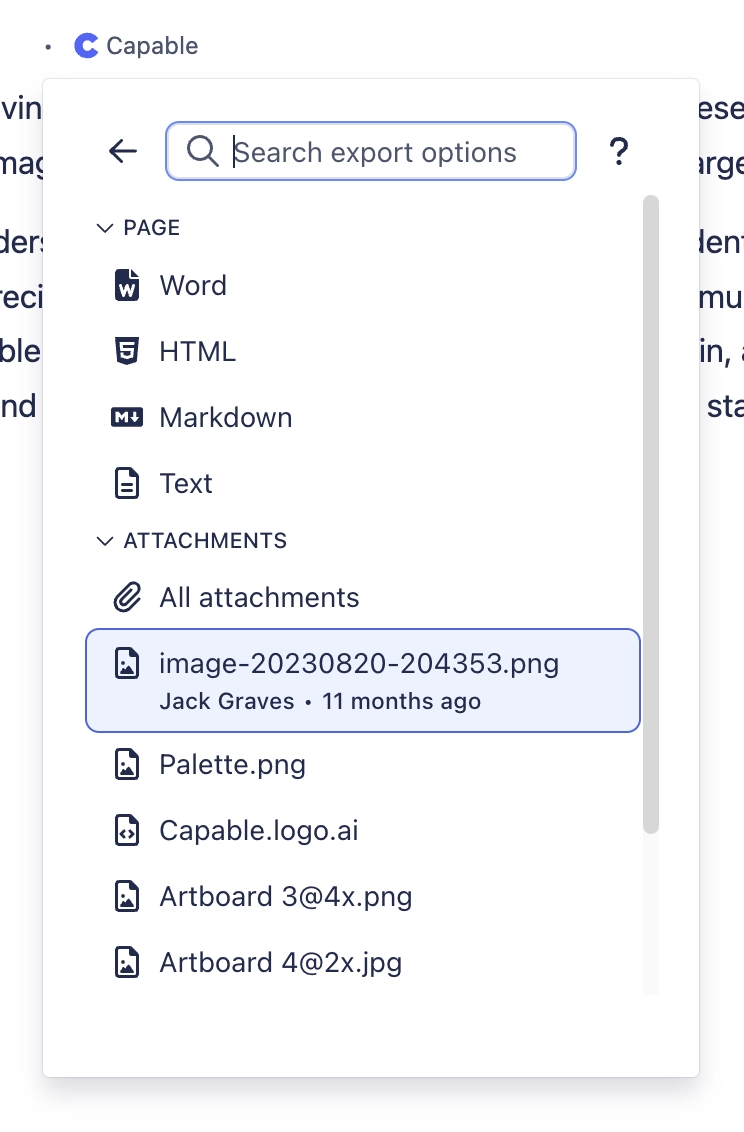
Attachments can be taken one at a time or all at once from the same panel.
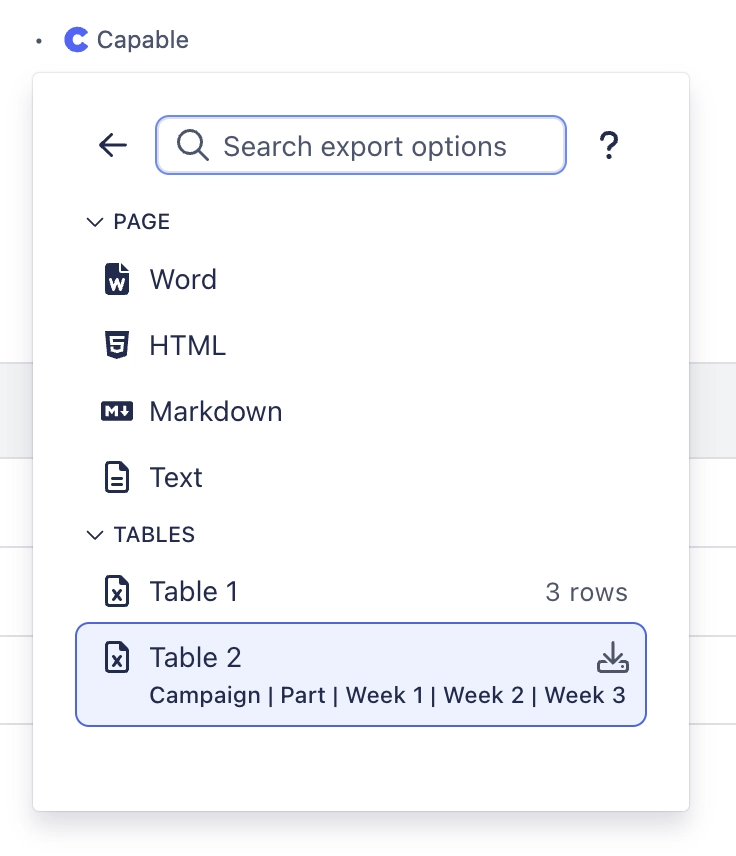
Tables are listed separately with their row counts, so one table can be taken without the rest of the page.
| **What it does** | Export a page to Word, HTML, Markdown or plain text, download individual tables, and download attachments individually or all at once. |
| ---------------------- | -------------------------------------------------------------------------------------------------------------------------------------- |
| **Sold separately as** | Not available on its own. Suite only |
| **Edition** | Standard and Advanced |
ℹ️
**This capability only exists in the suite.** There is no standalone app for it, which is one of the reasons to buy the suite rather than individual apps.
---
## Where to find it
Capabilities appear in the Capable navigation, in the Capable byline on a page, and as macros in the macro picker, depending on what each one offers. An administrator can hide any capability site-wide, and a space administrator can control whether it shows in their space.
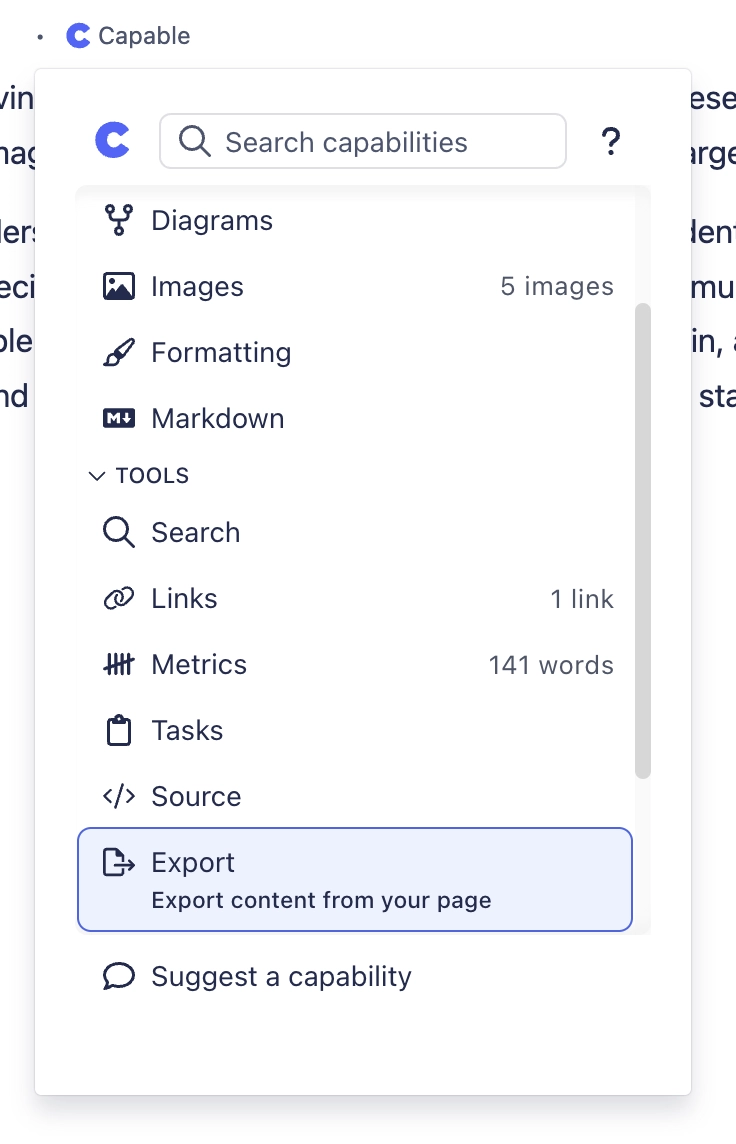
It is the last entry under Tools, next to Source and Tasks.
---
## Related
[GitHubConnect GitHub repositories and render files on a page, including auto-converting pasted G](https://help.gocapable.com/capable/github.html)
[PublishingPublish or copy content into another space, on demand or automatically when an approval co](https://help.gocapable.com/capable/publishing.html)
[CapabilitiesEvery capability in the suite.](https://help.gocapable.com/capable/capabilities.html)
---
_One problem, solved once._